programming-GPTs
8. DALL-E image generation
This whole journey started for me in the first days of December 2022, right after the release of ChatGPT. But since the API to call the GPT-3.5 model did not become available until March of 2023, I played around with the other services provided by OpenAI. Back then, image generation1 was one of the APIs that could call programmatically a model named DALL-E2 (already in v2 since august 2022). In parallel other Generative AI models, like the open-source Stable Diffusion3 or the proprietary Midjourney4 enabled very realistic and artistic images creation. Since then, DALL-E 3 caught up with those image models and enabled use cases like generating images with text represented in it.
I tried out a few of those image AI tools on fun projects like Creating Viral Videos With AI5. In the previous chapter, the video in the style of Wes Anderson was completely generated with AI. I even created a mini-series of short videos on TikTok called Biomachines. The story was derived from the following prompt:
Write a story about humans being biological machines trained by the experience of life. The story takes place in 2025, after the advent of large language models
In this chapter we will see how to create a graphical novel on the same topic.
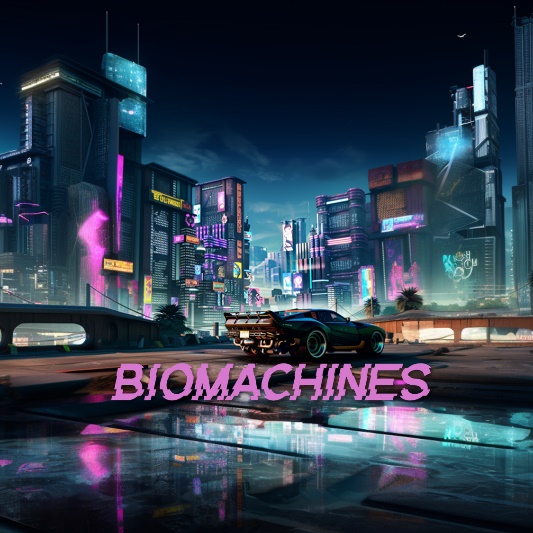
Figure 8‑1 Image generated by Midjourney in a Cyberpunk style
The methods investigated are:
-
Generation
-
Edits (In- & Outpainting)
-
Variation
The capabilities accessible through the ChatGPT app (with the Plus paid plan) are different from what can be done programmatically. For clarity, I’ll be explicit in this chapter about the use of the ChatGPT App, and the use of the OpenAI API endpoints. This logo here represents the “GPT” in the ChatGPT app.
Figure 8‑2 Dall-E in the GPT Store
8.1. Generation
The first step in a story is a character. The difficulty with AI generated image is to maintain consistency in the characters of your plot. With DALL-E in the ChatGPT app, you can iterate and refine your prompt in a conversation with @DALL-E. If you are not happy with a result, you can ask to regenerate the image.
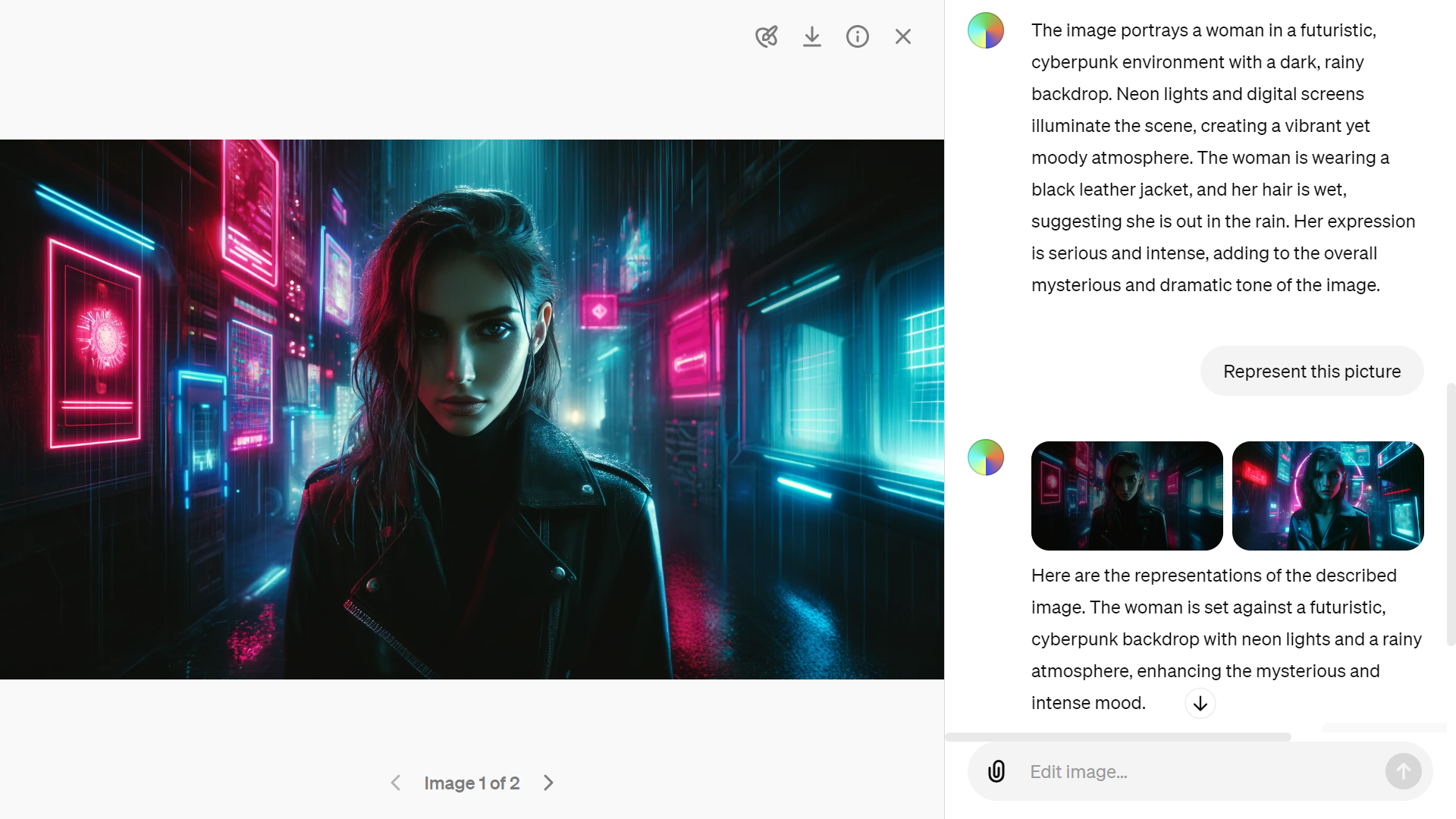
Figure 8‑3 Generating images with Dall-E in ChatGPT
With the app you can also upload an existing image to ask ChatGPT to describe it for you. This iterative process is helpful to capture the essence of the scene that you are trying to generate.
The image generations API endpoint allows you to create an original image given a text prompt. With DALL-E 3, images can have a size of 1024x1024, 1024x1792 or 1792x1024 pixels. With DALL-E 2, sizes are 1024x1024, 512x512 or 256x256.
By default, images are generated at standard quality, but when using DALL-E 3 you can set quality: “hd” for enhanced detail. Square, standard quality images are the fastest to generate.
You can request 1 image at a time with DALL-E 3 (request more by making parallel requests) or up to 10 images at a time using DALL-E 2 with the n parameter.
After many hesitations, I decided to use only the module PIL.Image instead of the object Image from the module IPython.display
from PIL import Image
img_prompt = "An 8-bit pixelated game side scroller called biomachines. cyberpunk story about humans being biological machines. Pixelated like NES. Bright colors. Huge glowing pixels. Pixelated."
response = openai.images.generate(
  model="dall-e-3",
  prompt=img_prompt,
  size="1792x1024",
  quality="standard",
  n=1,
)
image_url = response.data[0].url
print(image_url)
image = Image.open(requests.get(image_url, stream = True).raw)
image.save("biomachines-8bits.png")
image
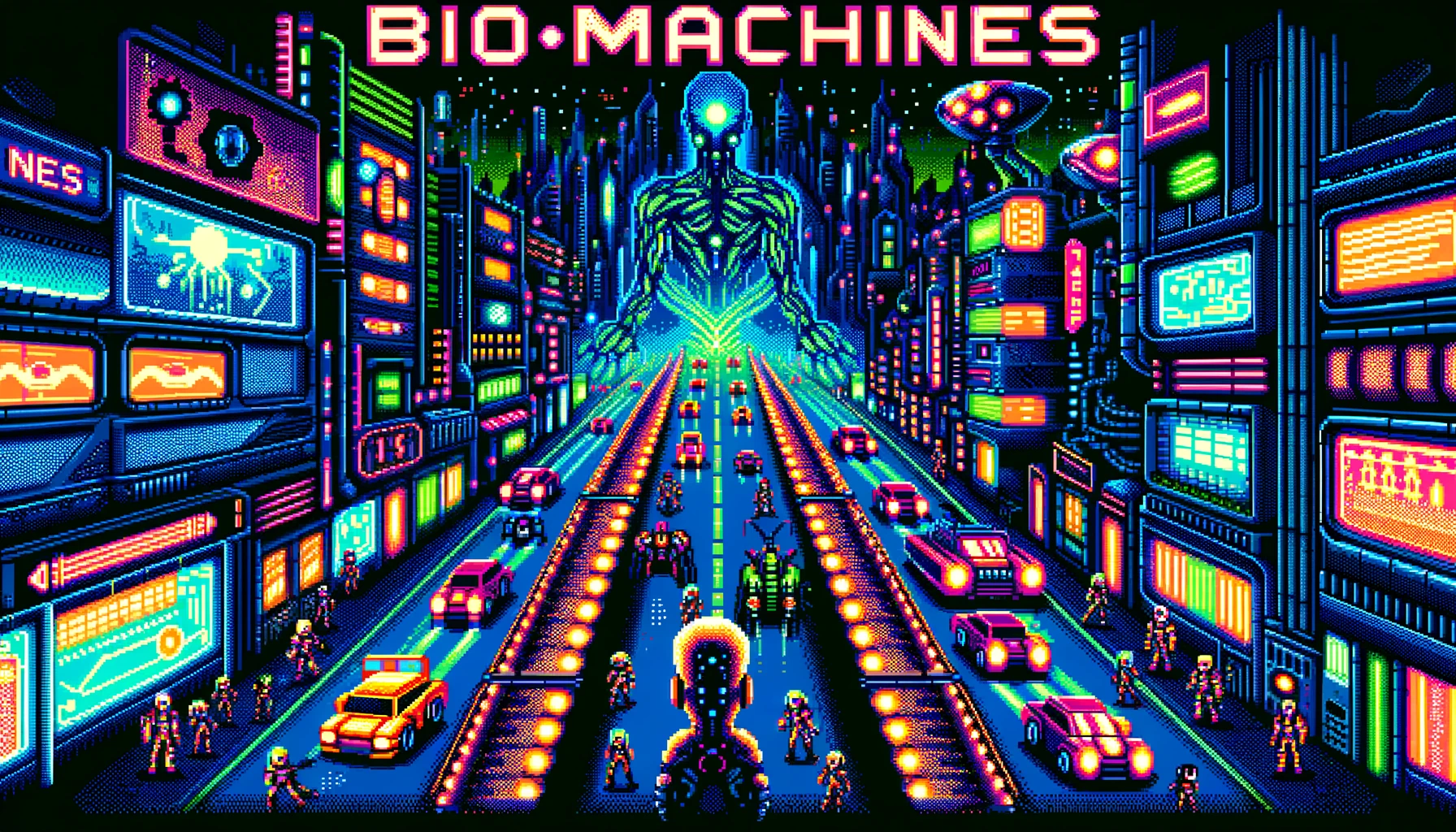
Figure 8‑4 An 8-bit pixelated image generated by Dall-E 3
To perform edits and variations, you will need to generate square images (ratio 1:1).
import Image
image = Image.open("biomachines-8bits.png")
width, height = image.size
left = (width - height) / 2
top = 0
right = (width + height) / 2
bottom = height
im = image.crop((left, top, right, bottom))
im.save("biomachines-8bits_1024x1024.png")
8.2. Edits
Edits can be performed interactively with the ChatGPT app by selecting a region in the image:
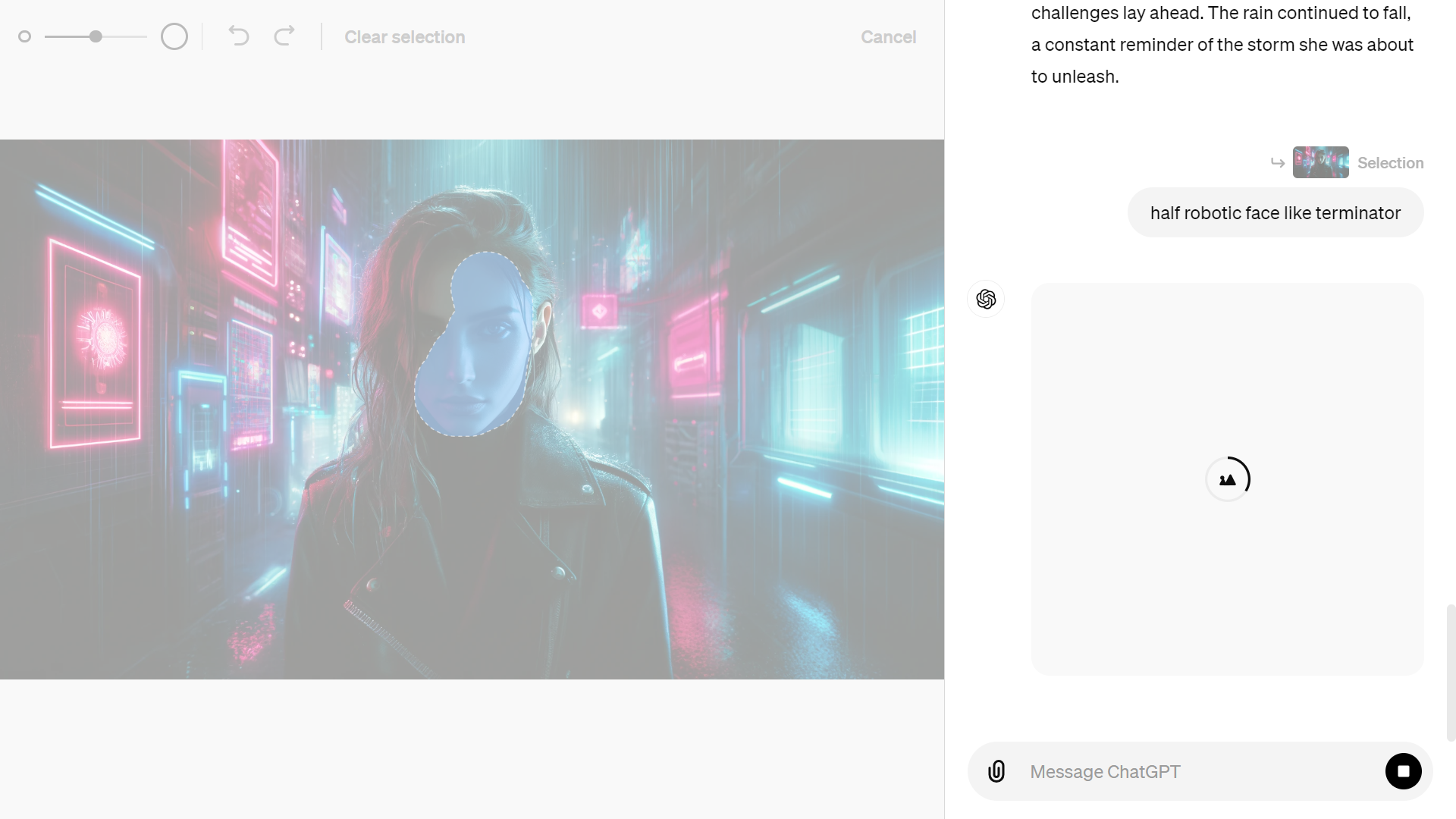
Figure 8‑5 Edit images interactively in ChatGPT
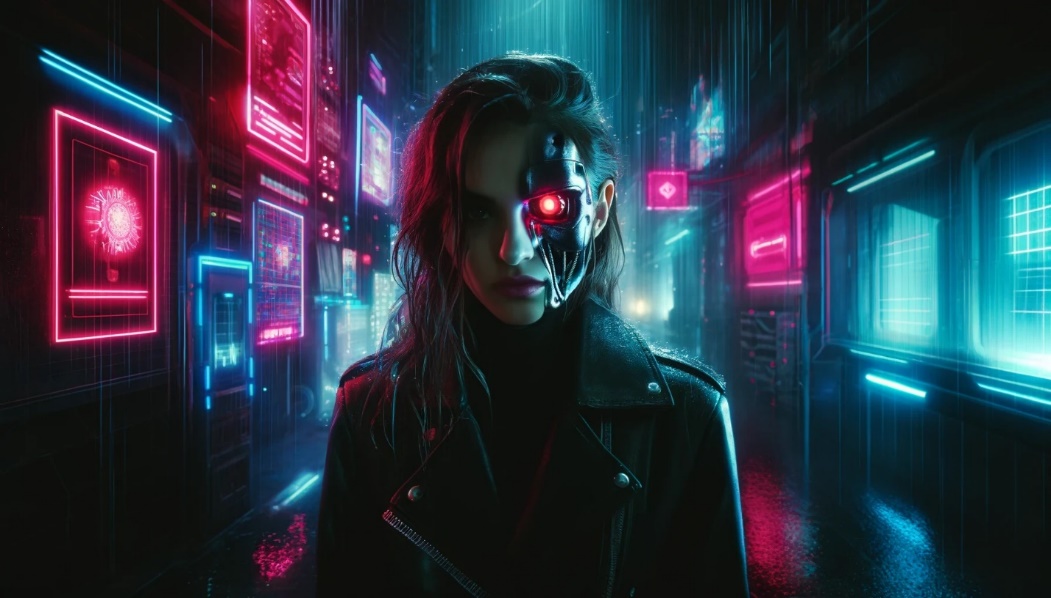
Figure 8‑6 Modified image of a cyberpunk character
“Inpainting” via the API are only available with DALL-E 2. The image edits endpoint allows you to edit or extend an image by uploading an image and mask indicating which areas should be replaced. The transparent areas of the mask indicate where the image should be edited, and the prompt should describe the full new image, not just the erased area.
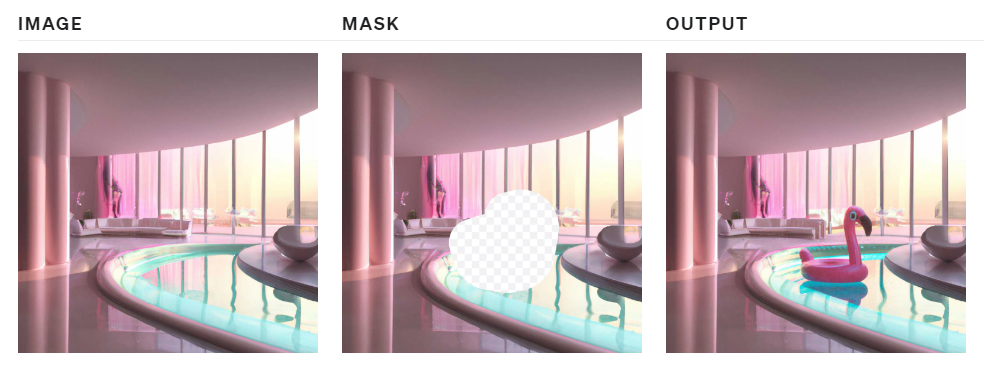
Figure 8‑7 Inpainting an image with a mask
To perform this operation manually, you can use Paint.net6 to erase the masked area in the picture.
response = openai.images.edit(
  model="dall-e-2",
  image=open("biomachines-8bits.png", "rb"),
  mask=open("mask.png", "rb"),
  prompt="""
  Terminator giant skull face in a cyberpunk 8 bits pixelated game
  """,
  n=1,
  size="1024x1024"
)
image_url = response.data[0].url
image = Image.open(requests.get(image_url, stream = True).raw)
image.save("biomachines_terminator.png")
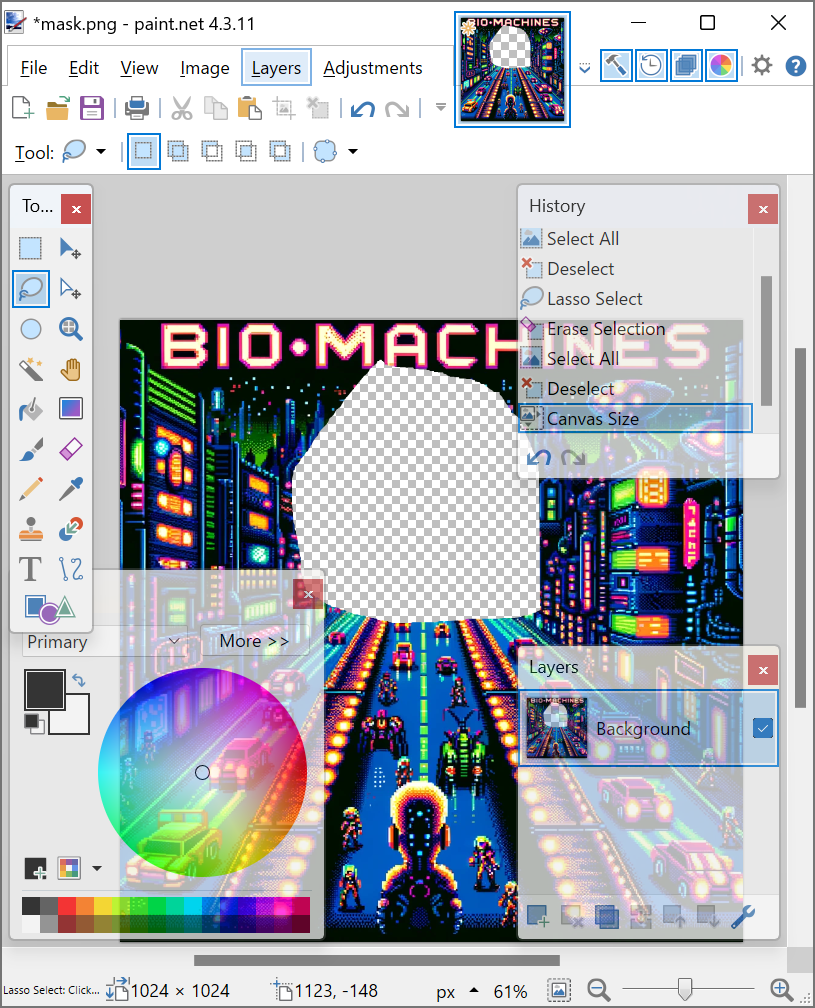
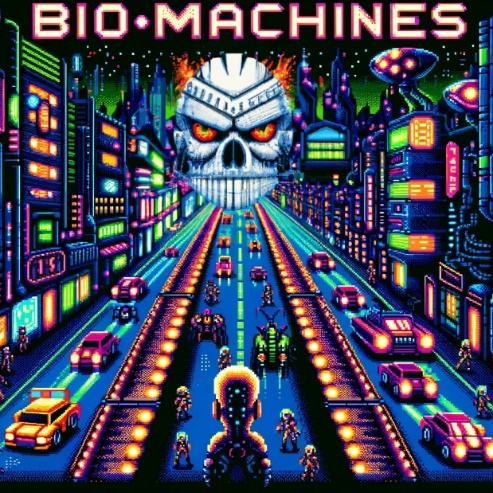
Figure 8‑8 Inpainting with a mask created in Paint.NET
“Outpainting” is following the same principal as “inpainting”, but you only need to shift the image outside of the canvas in the direction that you want to fill.
Before DALL-E got available in the ChatGPT app, you could access it in a lab environment to “outpaint”.
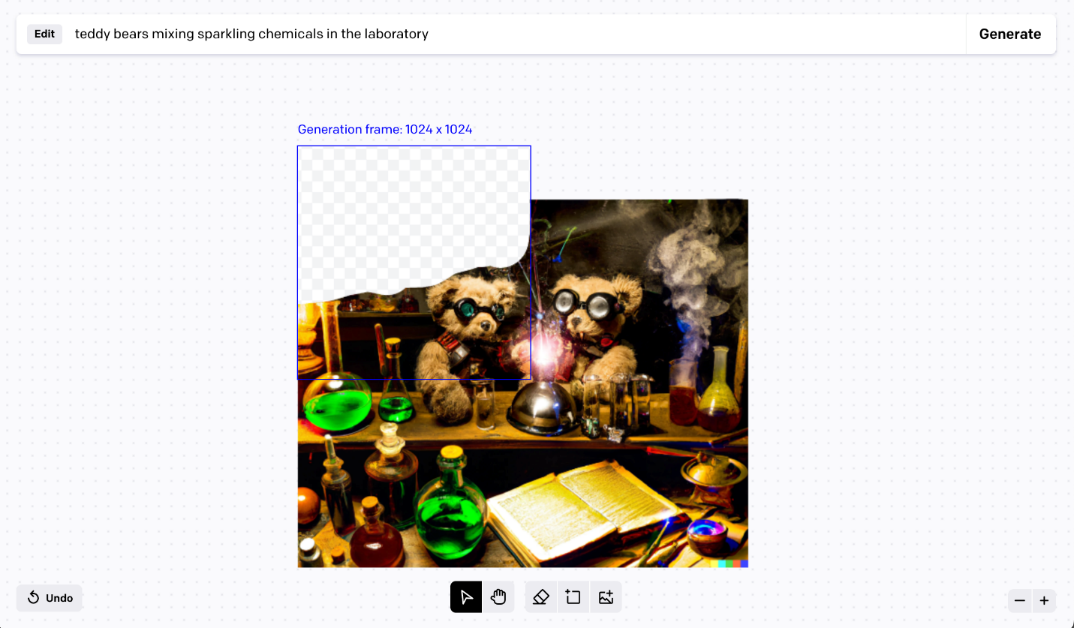
Figure 8‑9 Outpainting in OpenAI labs
Since this app is no longer available, we can use a Streamlit app with a drawable canvas7 that will fulfill some of those needs.
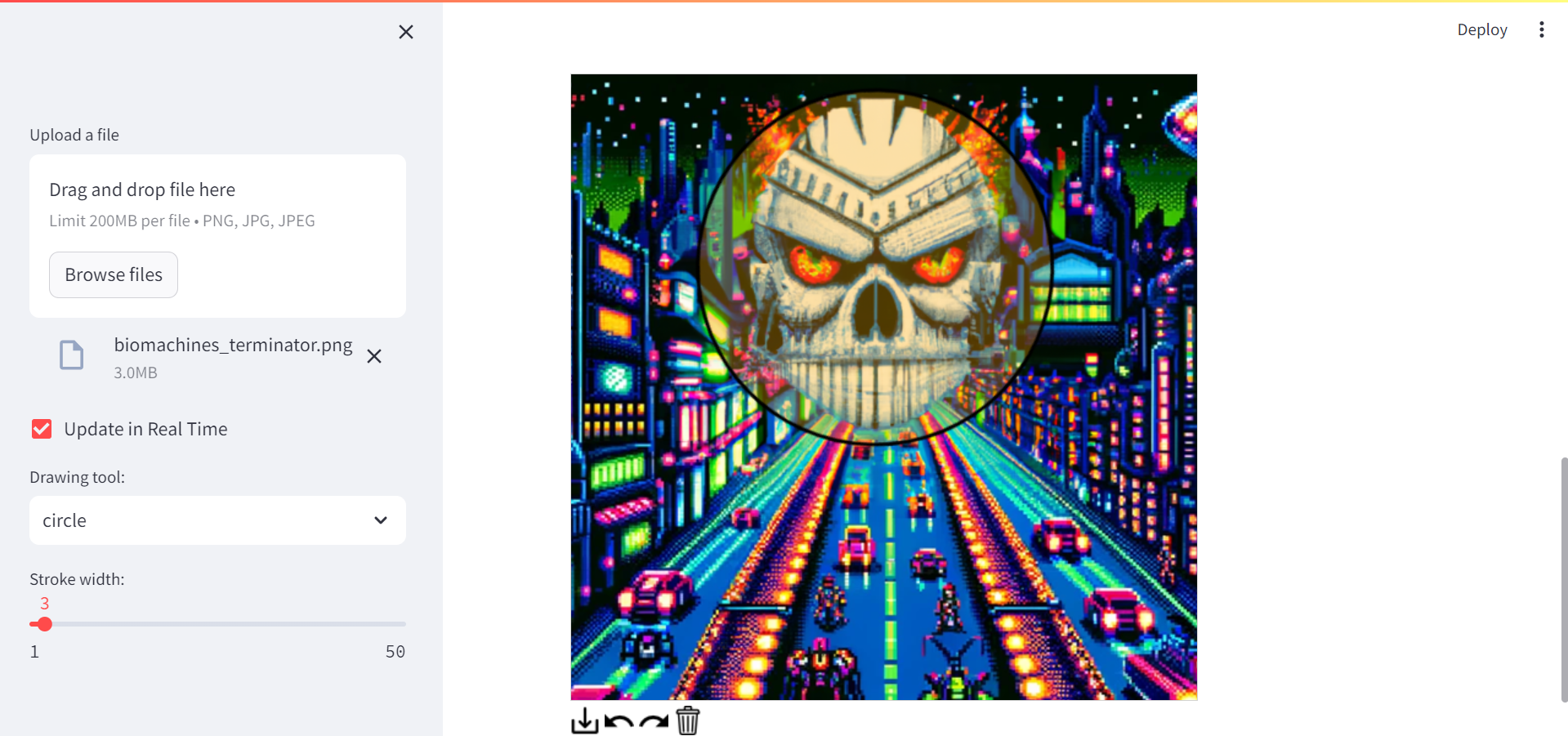
Figure 8‑10 Inpainting with a Streamlit drawable canvas
8.3. Variations
Variations are easy to understand. You input an image of the right format, and get another flavor of it:
from PIL import Image
response = openai.images.create_variation(
  model="dall-e-2",
  image=open("biomachines_car.png", "rb"),
  n=2,
  size="1024x1024"
)
image_url = response.data[0].url
print(image_url)
image = Image.open(requests.get(image_url, stream = True).raw)
image.save("biomachines_car_variation.png")
image
You can get several variants, by entering n=2 for instance.
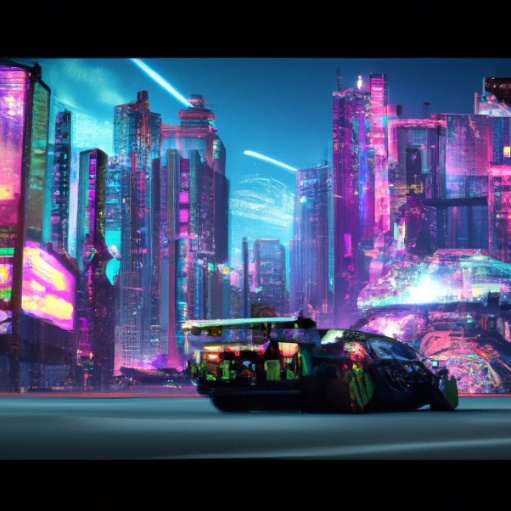
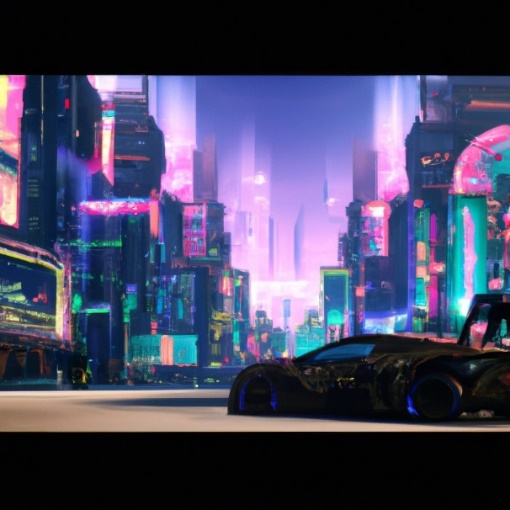
Figure 8‑11 Variants of an image with Dall-E 2
8.4. Application: GPT Journey – choose your own adventure
Imagine playing a text-based game where you can not only read the story, but also see the images generated by your choices. That’s what GPT Journey offers: a choose your own adventure game powered by artificial intelligence. This concept was developed by the genius Sentdex on his Youtube channel8. You can also retrieve the code on Github: https://github.com/yanndebray/GPT-Journey
GPT Journey uses Dall-E to create images from natural language queries, and ChatGPT to generate interactive dialogues with characters and scenarios. In this section, you will learn how to build your own version of GPT Journey using Python and Flask. You will see how to:
-
Create coherent dynamic text responses based on user choices with GPTs
-
Create images from text descriptions to produce an engaging game experience with Dall-E
-
Build a Streamlit app to host the game online (original version in Flask)
By the end of this section, you will have a fun and creative game that showcases the power of AI for storytelling. Let’s get started!
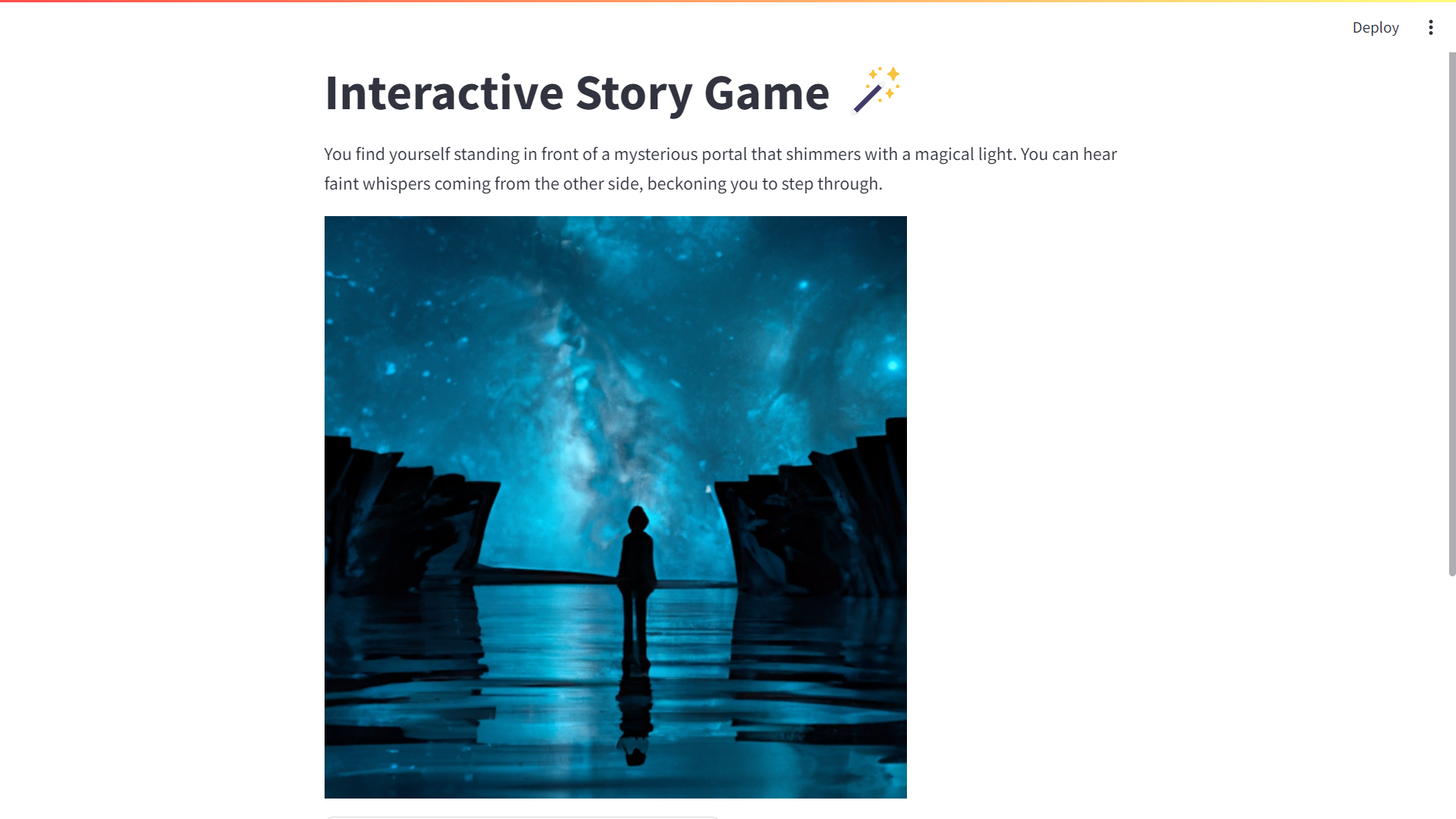
Figure 8‑12 GPT Journey app
If you scroll down you will see several options (typically varying from 2 to 4):
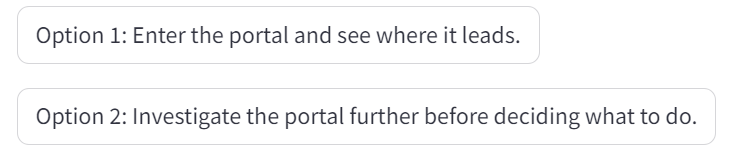
Try it out and see where it leads you … Adventure is out there!
| ⬅️ Vision | 🏠 Home | Deploying GPTs ➡️ |